
How to schedule an Instagram post, Reel or Story with Auto-DM
In SuperProfile you schedule the post, then add an Auto-DM to it from the same screen: the keyword automation is armed while the post waits and switches on the moment it publishes. You can attach an Auto-DM to a scheduled Instagram photo, carousel, Reel or Story until 10 minutes before it goes live (on a photo, carousel or Reel it answers comments; on a Story it answers private Story replies, not Story comments); the automation starts when the post publishes, and your Auto-DM plan limits apply.
Why arm the Auto-DM before the post goes live?
- You don't have to be online at posting time. If your Reel goes out at 7 am, the keyword reply is already waiting for the first comments.
- No copy-paste of post links. A normal Auto-DM needs a published post to pick. Here the trigger is the scheduled post itself, so you set it up days ahead.
- Caption and DM are written together. The call to action ("Comment GUIDE") and the message it triggers are planned in one place, so the keyword in the caption matches the one in the automation.
What do I need?
- You need an Instagram professional account (creator or business), because Meta's publishing API works only with professional accounts.
- Schedule is available on all SuperProfile paid plans, from Schedule in the dashboard; free creators see an upgrade prompt.
- A photo, carousel, Reel or Story. On a Story, the Auto-DM answers private Story replies, not comments.
- A post time at least 10 minutes away when you add the Auto-DM. Posts with video must be scheduled at least 15 minutes ahead.
How do I schedule a post with Auto-DM, step by step?
- Open Schedule in your SuperProfile dashboard and connect your Instagram professional account with Instagram login.
- Create a new photo, carousel, Reel or Story and upload the media. For a Story, put the keyword ask, such as Reply GUIDE, in the image or video itself.
- Write the caption with a clear keyword ask, for example: Comment GUIDE and I'll send you the free checklist.
- Pick the date, time and time zone.
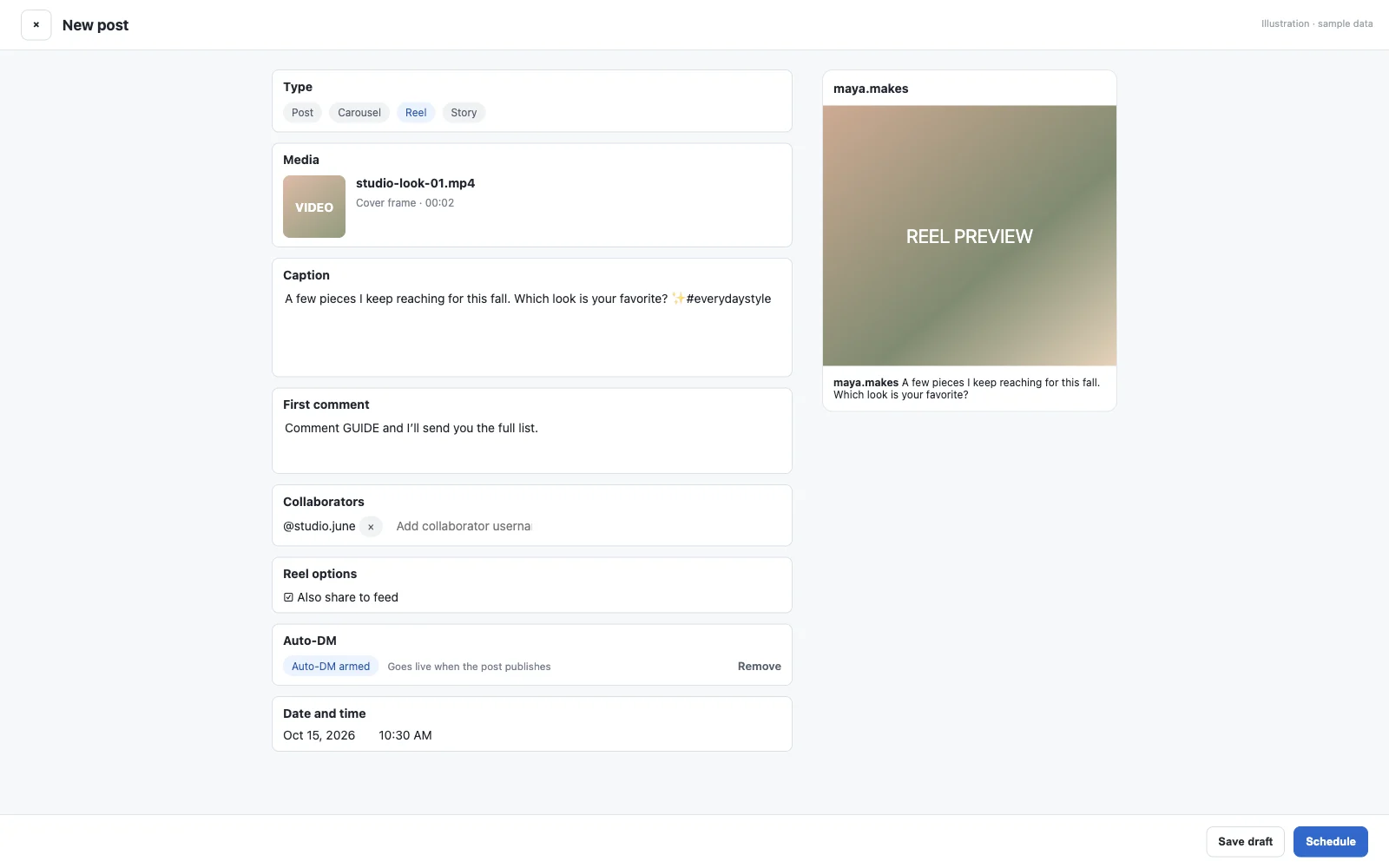
- In the Auto-DM section, click + Add Auto-DM to this post. A new post is saved as a draft first so the automation has something to attach to.
- The Auto-DM setup opens at the keyword step, with this scheduled post already chosen as the trigger. Add your keyword (GUIDE), then write the DM: text, buttons, an image or a link to your product.
- Click Arm for this post. The composer now shows Auto-DM armed: goes live when the post publishes.
- Schedule the post. When it publishes, the label changes to Auto-DM live.
Can I add an Auto-DM to a scheduled Story?
Yes.
- On a scheduled Instagram Story, the Auto-DM answers private Story replies, not Story comments: people whose reply matches your keyword get your DM, or anyone who replies if you choose any reply
- It answers replies to that one Story only, from the moment it publishes; replies to your other Stories are not matched
- Public comment replies aren't available for a Story Auto-DM
- Add the keyword ask, such as "Reply GUIDE", to your image or video before uploading: SuperProfile can't add text or stickers to a scheduled Story
- To change a scheduled post to or from a Story, remove its Auto-DM first
- Facebook Page Stories can't take an Auto-DM
Instagram Stories have two ways to respond: a reply, which is a private message to the creator, and a Story comment of up to 60 characters that anyone who can see the Story can read (Instagram Help). Only private replies start this Auto-DM, so ask for one in the Story itself: Reply GUIDE and I'll send you the checklist.
If a Story Auto-DM doesn't start: check who can reply to your Stories in Instagram's settings. If someone can't reply to the Story, this Auto-DM can't start. Replies to an archived Story or a Highlight are not promised to trigger it.
Meta's messaging rules apply: the reply opens a 24-hour window for messages to that person, and where the law requires it, tell people they're talking to an automated reply.
What do the Auto-DM labels on a scheduled post mean?
| Label | What it means | What to do |
|---|---|---|
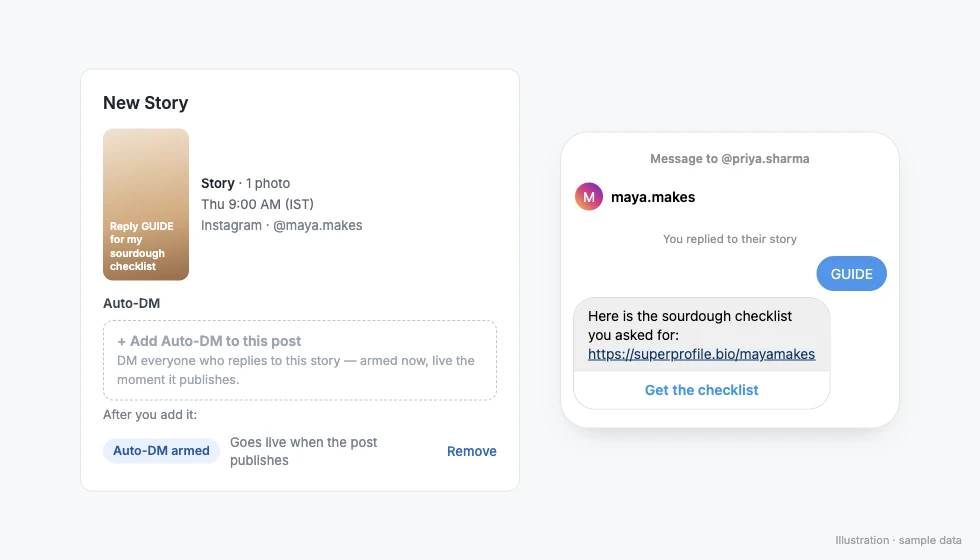
| Auto-DM armed | Attached and waiting. Goes live when the post publishes. | Nothing. Edit it until 10 minutes before the post time. |
| Auto-DM live | The post published and the automation is running on it. | Watch the runs and clicks in Auto-DM. |
| Auto-DM paused by plan | The post published, but your Auto-DM plan doesn't let the automation run. | Upgrade in Auto-DM to turn it on. |
| Auto-DM off | The post was cancelled or didn't publish, so the automation never switched on. | Retry the post at a new time, then check the Auto-DM section of the post. |
| Auto-DM not attached | The automation couldn't be linked to the published post. | Attach it from Auto-DM to this post. |
How do I write a caption and DM that work together?
- One short keyword. GUIDE, LINK or PRICE is easier to type than a phrase. Put it in capitals in the caption and repeat it in the first line of on-screen text in a Reel.
- Say what they get. "Comment GUIDE for the free 7-day plan" tells people why to comment.
- Make the DM short with one button. The button can open your product, course or booking page on SuperProfile, where the buyer pays.
- Use the extras when they fit. Auto-DM can ask people to follow you before the DM with the link is sent, post up to three rotating public comment replies, and send follow-ups after a delay, when the link was not clicked, when there is no reply, when the product was or was not bought, or when a lead form was not submitted.
- Catch people who don't type the keyword. Comments like "pls send" or a typo don't match GUIDE. See replying without the exact keyword for how intent matching handles them.
Meta's messaging windows and rules apply to all messages, so people who restrict messages may not get the DM.
Can I do this for a Facebook Page post or from an AI assistant?
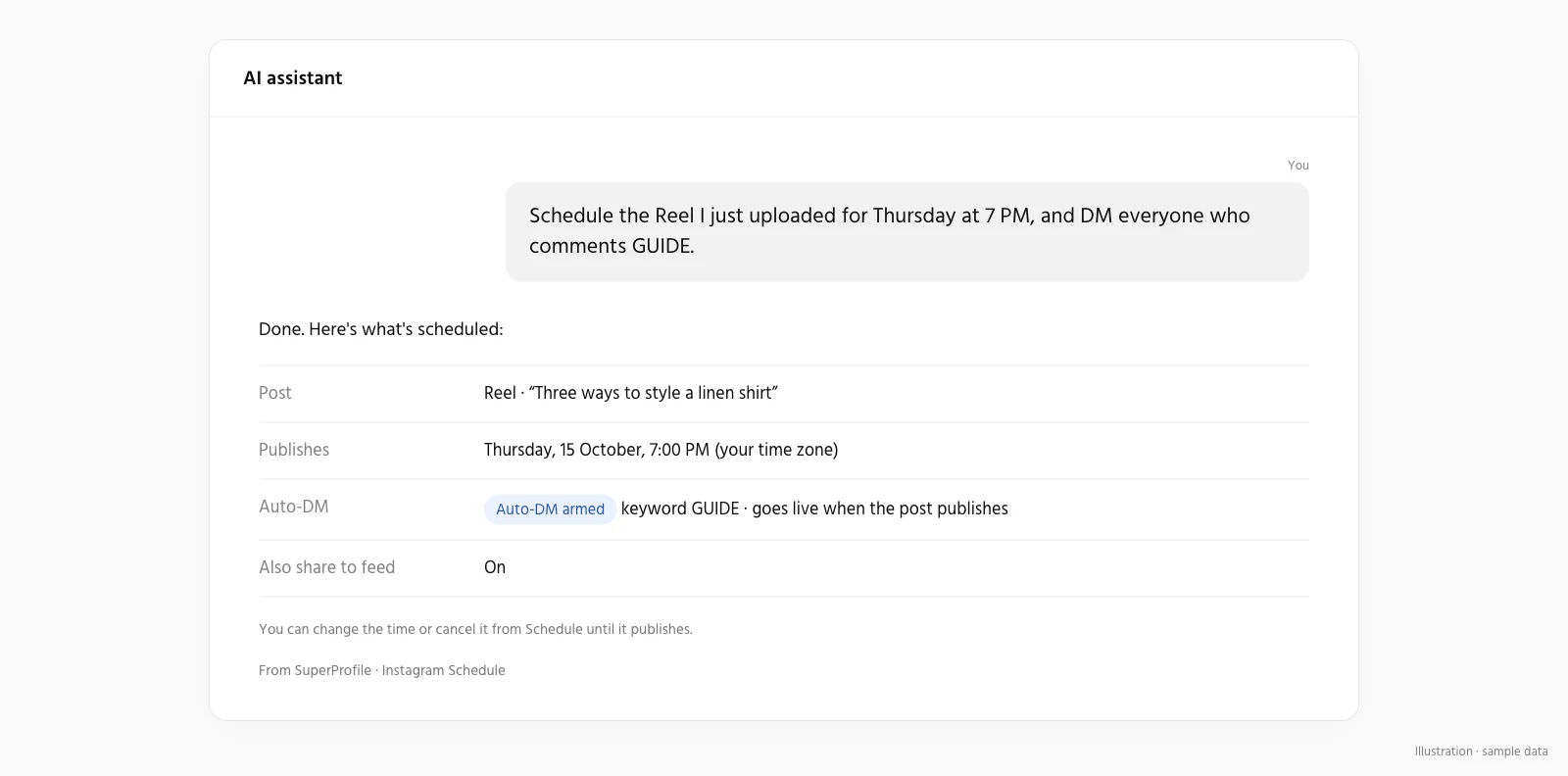
Yes to both. For Facebook Pages, you can attach an Auto-DM to a scheduled Facebook Page post (not a Story): people who comment get your message in Messenger once the post is live. From Claude, ChatGPT or another assistant connected to the SuperProfile MCP server, the attach_auto_dm_to_scheduled_post tool attaches or removes a comment-to-DM automation on a scheduled post. Ask, for example: "Schedule this Reel for Friday 7 pm and DM the checklist link to people who comment GUIDE."
Things to know
- You can add, change or remove the Auto-DM until 10 minutes before the post goes live.
- Note that if a post can't be published, SuperProfile stops trying two hours after its time and marks it failed, and you can retry it. An armed Auto-DM on a post that never publishes stays off.
- Your Auto-DM plan limits apply to automations attached to scheduled posts, the same as any other.
- Everything else about scheduling, from first comments to the grid preview, is on the Instagram scheduler page and in how to schedule Instagram posts.
Frequently asked questions
Can I add an Auto-DM to a scheduled Instagram post?
Yes. In SuperProfile you can attach an Auto-DM to a scheduled Instagram photo, carousel, Reel or Story until 10 minutes before it goes live (on a photo, carousel or Reel it answers comments; on a Story it answers private Story replies, not Story comments); the automation starts when the post publishes, and your Auto-DM plan limits apply.
Does the Auto-DM work on scheduled Stories?
Yes, on Instagram Stories. It answers private Story replies, not Story comments: people whose reply matches your keyword get your DM once the Story is live, or anyone who replies if you choose any reply. Public comment replies aren't available for a Story Auto-DM, and Facebook Page Stories can't take one.
How late can I add the Auto-DM?
Until 10 minutes before the post's scheduled time. After that the Add button is disabled.
What happens if the scheduled post fails?
The Auto-DM never switches on and shows as off. Retry the post at a new time from Schedule.
Can I use the same Auto-DM on many scheduled posts?
Each scheduled post gets its own automation attached to it. Set up the keyword and message for each one.
Does Instagram's own scheduler do this?
Instagram's in-app scheduler lets a public account schedule posts, carousels and Reels up to 30 days ahead, with up to 25 a day, and its help page lists no DM automation for scheduled content (Instagram Help, as of October 2026). To arm a keyword DM on the post, use a tool that does both.
More guides
Last updated .