Plan your whole wedding in one spreadsheet. WedPlan Pro tracks your budget, payments, guests, vendors, functions and checklist across 20 linked tabs. It’s built for Indian weddings, with Haldi, Mehendi, Sangeet and Reception tracking.
Stop juggling WhatsApp groups, notebooks and five different sheets.
An Indian wedding has many functions, many vendors and many family members involved. WedPlan Pro keeps all of it in one workbook, so you can see where your money, guests and deadlines stand at a glance.
What you get:
20 linked tabs in 7 sections
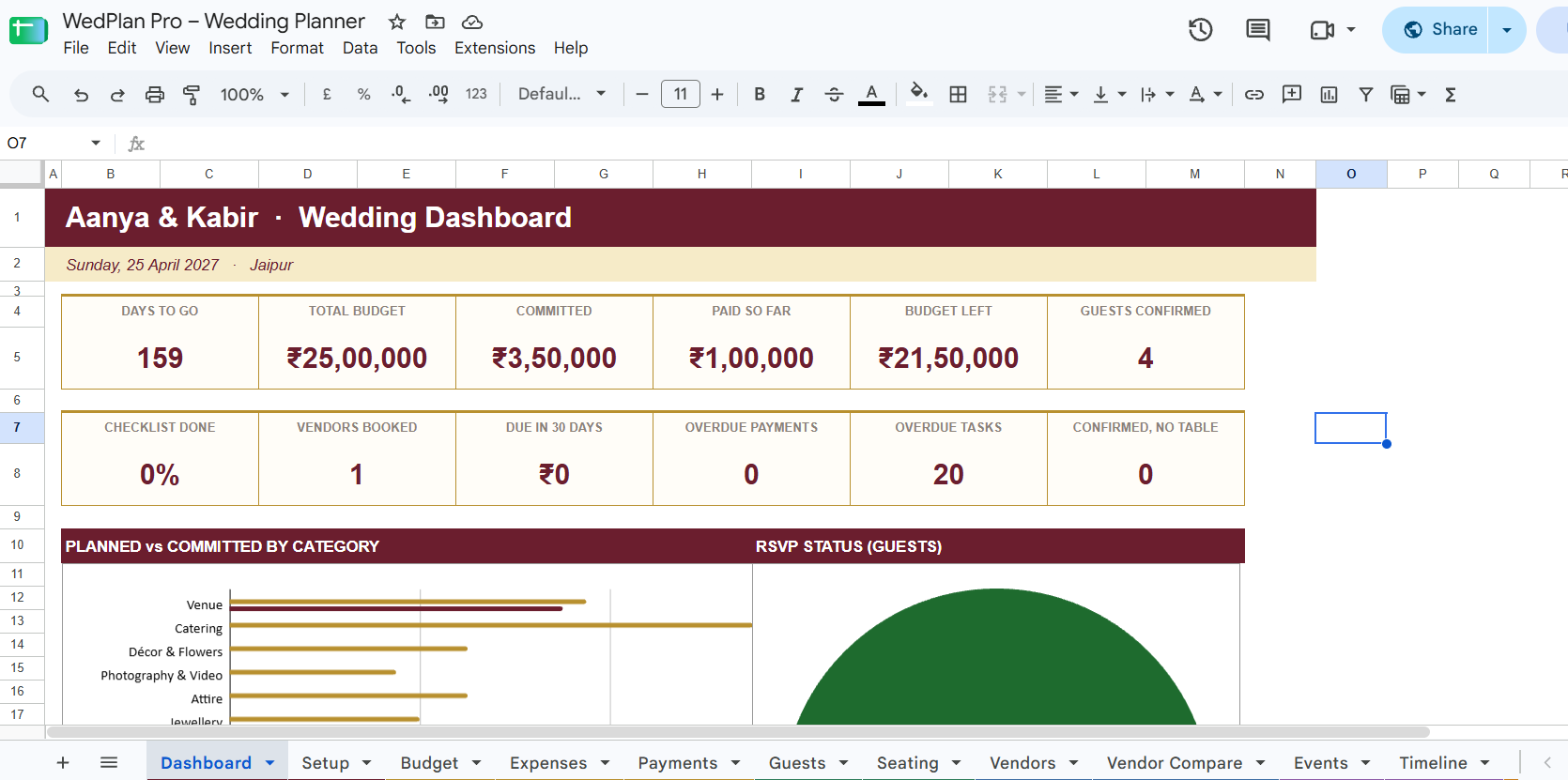
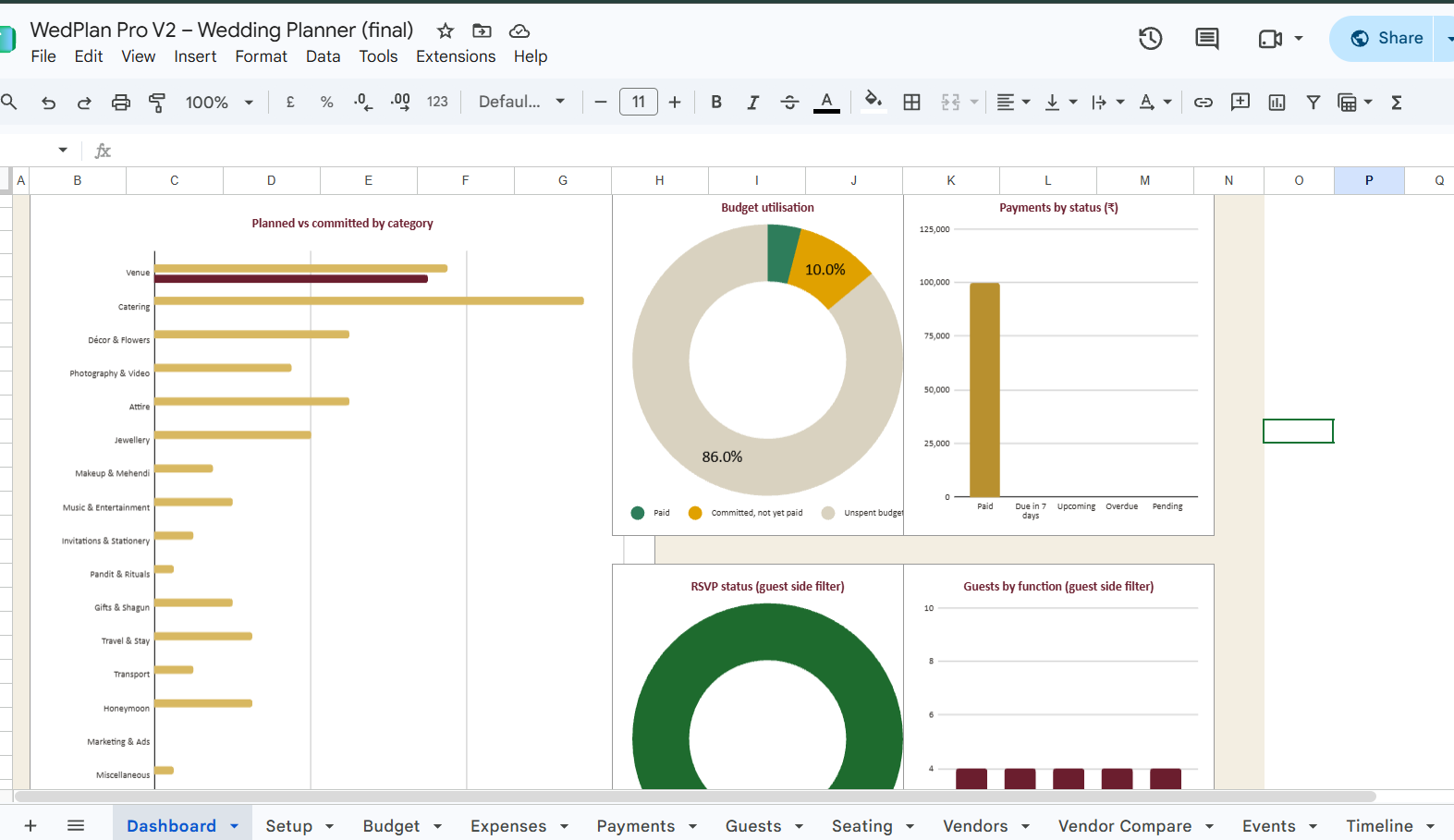
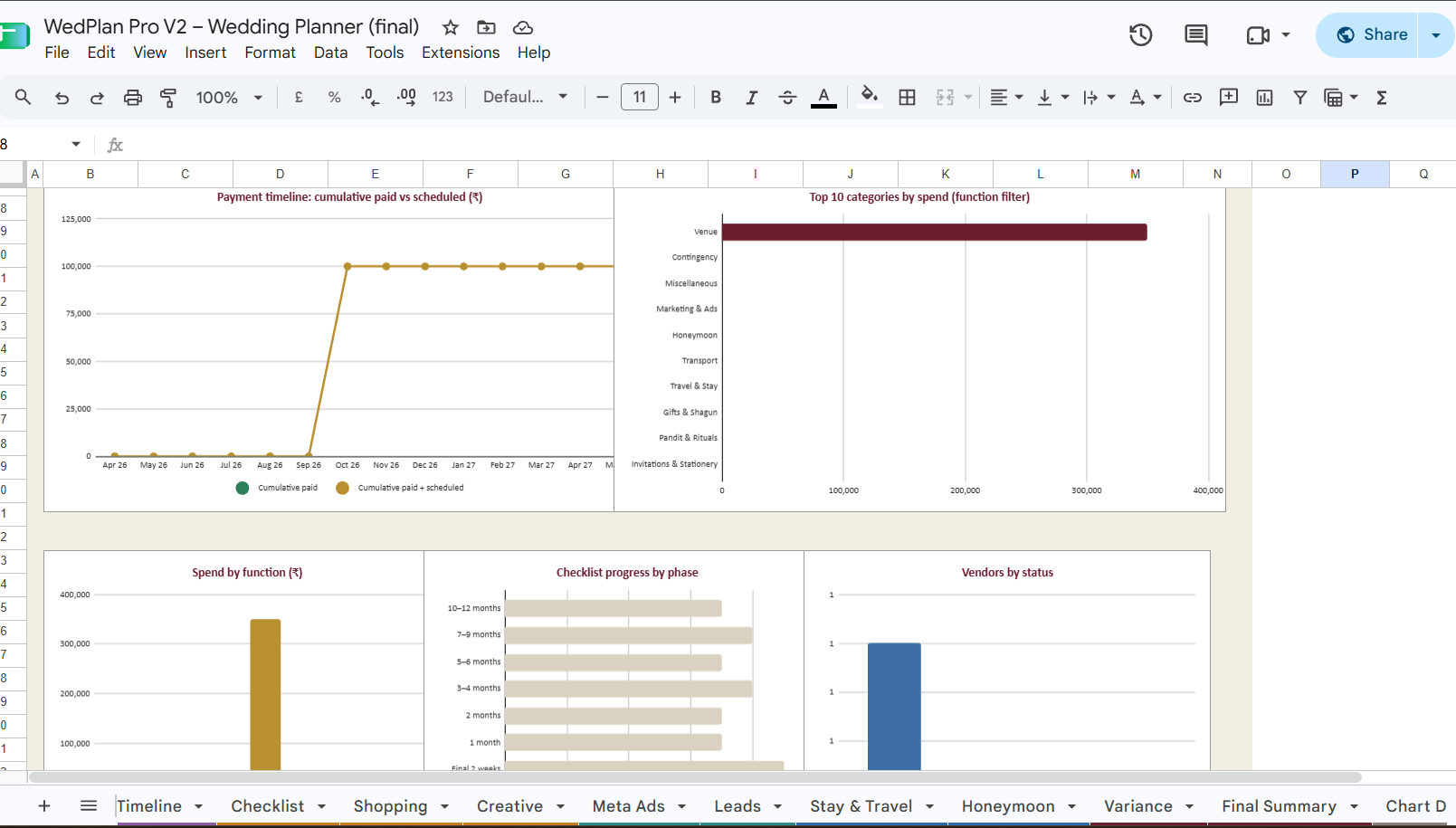
Dashboard and Setup: days to go, budget used, guests confirmed, overdue payments and tasks, with charts.
Finance: Budget, Expenses and Payments. Log a cost, then log each instalment against it. Paid, balance and overdue flags calculate themselves.
Guests: Guest List & RSVP with per-function attendance (Haldi, Mehendi, Sangeet, Wedding, Reception), meal preference and stay needs, plus a Seating plan that fills in from table numbers.
Vendors: a vendor directory, plus a Vendor Compare tab that scores each option 1–5 on the criteria you weight and ranks them.
Events: function schedule with auto guest count and spend per function, plus an hour-by-hour day-of Timeline.
Planning and Creative: a 58-task Checklist whose due dates move with your wedding date, a Shopping list, and a Creative tracker for décor, photography and invitations.
Marketing, Travel and Reporting: Meta Ads and Leads tabs (useful if you run a wedding business), Stay & Travel, Honeymoon, Budget Variance and a Final Summary.
Why couples and planners like it
Everything is connected: change one number and the dashboard updates.
Built for India: ₹ in lakh/crore format, and the functions and shagun-style planning Indian families expect.
Colour flags (green, amber, red) show what needs attention.
Dropdown lists are editable, so you can adapt it to your own functions and vendor types.
Who it’s for
Couples planning their own wedding, family coordinators, and freelance planners who want a clean, shareable tracker for clients.
How it works
Buy and download instantly.
Open in Google Sheets or Excel.
Enter your wedding date, budget and names on the Setup tab.
Replace the grey sample rows with your own details.
Note: this is a spreadsheet template, not an app. Sample data screenshot is included above so you can see how it works, and you delete it when you start. You need to download from Google Drive link added in pdf, Unzip the file after download, open excel files.
Testimonials
Frequently asked questions
Already made a payment on this page? Sign in to view details